Why Stop By · What You’ll See · The Drawing · Training Sessions · Contact
Why stop by
Dimensions packs hundreds of sessions into three days. The Expo floor is where you get to put your own questions in front of the people who build the tools. That’s what our booth is for. Bring the job, the workflow, or the headache, and we’ll work through it with you on screen.
What you’ll see
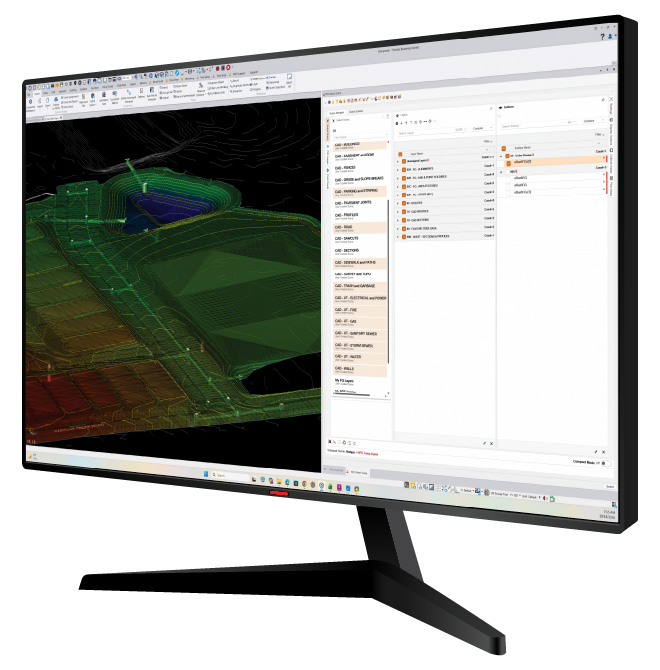
RPS Smart Suite Command Tools for Trimble Business Center. Three new tools lead the way this year:
01 / SMART SUITE
New Smart CAD
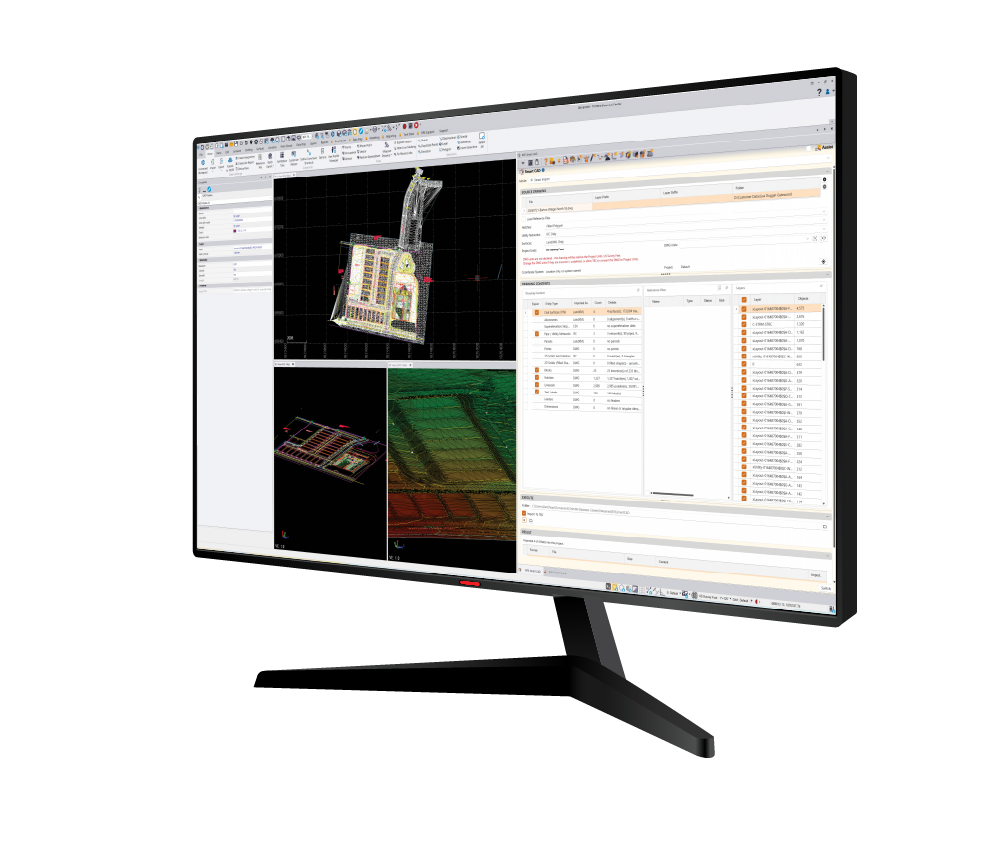
Work with the full contents of DWG files from Civil 3D and DGN files from OpenRoads: AEC objects, coordinate systems, surfaces, alignments, and gravity, pressure, and cable/conduit utilities. Use them directly in Smart BIM and CAD takeoff workflows.
02 / SMART SUITE
New Smart BIM
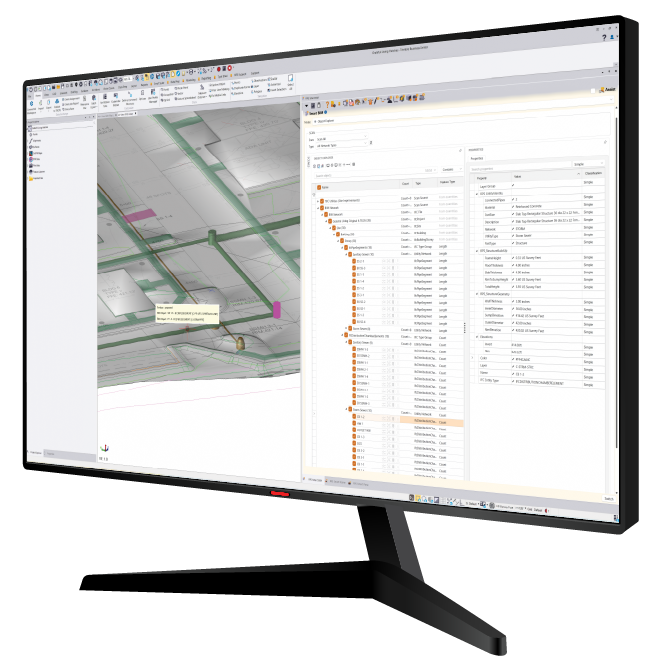
Create and work with BIM objects for civil projects. Apply phase, construction stage, QA review, and utility network to imported objects, and color them to track progress or plan phased construction. Edit elevations and sizes, run clash analysis against other BIM data or surfaces, run automated 3D takeoff from imported CAD and IFC data, and author your own BIM objects linked directly to Smart Takeoff.
03 / SMART SUITE
New Smart Scene
Replaces the View Filter Manager with a faster way to view, select, and relayer. Layers, surfaces, PDFs, and point clouds each get their own pane, and you can save scenes and views to prepare for meetings or QA reviews. Smart Scene is now included in every package.
BEYOND THE THREE NEW TOOLS
There’s more across Smart Suite:
Smart Profile
Quick Profile and Quick Section create dynamic, fully annotated profiles and sections that slice through pipes, structures, BIM objects, and surfaces, and update when the design changes. Run depth of cover and depth of excavation analysis, and lay out sheets with Smart Plot.
Cloud Services 2.0 with Ask Rocky
Use Ask Rocky to work with TBC model objects and AI services to automate tasks that weren’t possible in TBC before.
New Commands
Smart Transform, a new way to move, rotate, scale, and mirror objects, and Compass Draw, for foundations, grids, and outlines drawn at set angles.
Rockpile 2.0
Every command has a new look, and many have major updates: multiline offset templates in Smart Draw, spreadsheet reporting built into every command that used to export to Excel, and Edit Alignment as a Spreadsheet.
Rockpile Assist
Ask us about our training and support program for contractors, with help inside the product, video learning, and live training and consulting.
FILE MANAGEMENT & COLLABORATION
NEW! ProDRIVE
Our file management, sharing, and data collaboration system, built deep into TBC. Open, save, back up, import, export, and share data with your team and outside collaborators, and find and install TBC libraries, templates, and settings files from Rockpile.
EARTHMOVING INTELLIGENCE
RPS Tracker
See the latest Tracker updates, including new scraper sensors for tracking scraper operations and production, and a new excavator sensor that counts bucket loads and slew angle for truck and shovel operations. Tracker is also being integrated to run inside TBC through Smart Pane, so you can watch jobsite activity while you work on the model.

STOP BY THE BOOTH
Enter our drawing
Drop your business card in our drawing for a chance to win one of two prizes: a year of Smart Estimator Pro — every Rockpile module, including Smart CAD, Smart BIM and Ask Rocky — or two All Disciplines Training Passes. Everyone who leaves a business card or contact details takes home a Rockpile Smart Suite gaming mouse pad.
PRIZE 01
A year of Smart Estimator Pro
Every Rockpile module, including Smart CAD, Smart BIM and Ask Rocky
PRIZE 02
Two All Disciplines Training Passes
Rockpile Smart Suite gaming mouse pad
For everyone who leaves a business card or contact details
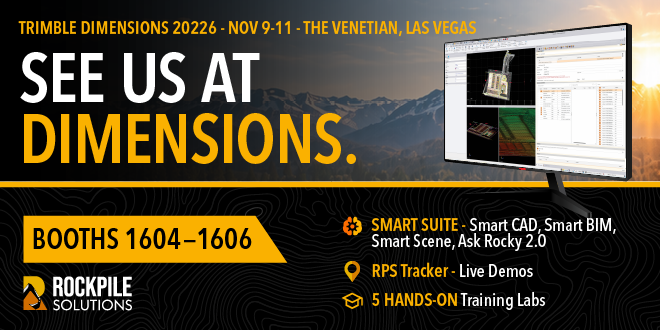
Booth 1604 is the open end of our space, so look for the Rockpile orange.
FIVE CONTRACTOR-FOCUSED CLASSES
Learn with Us in a Session
Our team is also teaching five Trimble Business Center classes built for contractors, from cleaning up messy CAD files to full site takeoff. All five are in the Titian rooms:
05
CLASSES
C-1353
New users
CAD Cleanup and Data Prep for Contractors
Monday
11:00 AM–12:30 PM
Tuesday
10:00–11:30 AM
ROOM
Titian 2306
INSTRUCTORS
Chris Bayliff and Trev Adair
C-1407
New users
PDF Management for Contractors in TBC
Monday
1:30–2:30 PM
Wednesday
4:00–5:00 PM
ROOM
Titian 2305
INSTRUCTORS
Wyn Sleeman and Anh Do
C-1348
Advanced
Road Cross-Section Takeoff for Contractors
Monday
1:30–4:00 PM
Wednesday
9:00–11:30 AM
ROOM
Titian 2306
INSTRUCTORS
Shane Odenbach and Chris Bayliff
C-1354
New users
Plotting and Drafting for Contractors
Tuesday
8:30–10:00 AM
Wednesday
4:00–5:30 PM
ROOM
Titian 2306
INSTRUCTORS
Vitalii Vovk and Ben Sleeman
C-1349
Advanced
Site Takeoff and Utilities for Contractors
Tuesday
1:30–4:00 PM
Wednesday
1:00–3:30 PM
ROOM
Titian 2306
INSTRUCTORS
Alan Sharp and Trev Adair
Add them to your schedule in the Dimensions session catalog (search “Rockpile”), then come by the booth afterward to keep the conversation going.
WE CAN MEET REMOTELY, TOO
Can’t make it to Vegas?
We’ll bring the demo to you. Contact us and we’ll find a time that works.
See you at Dimensions.